
Saving time at work:
Delegate execution, master strategy with AI
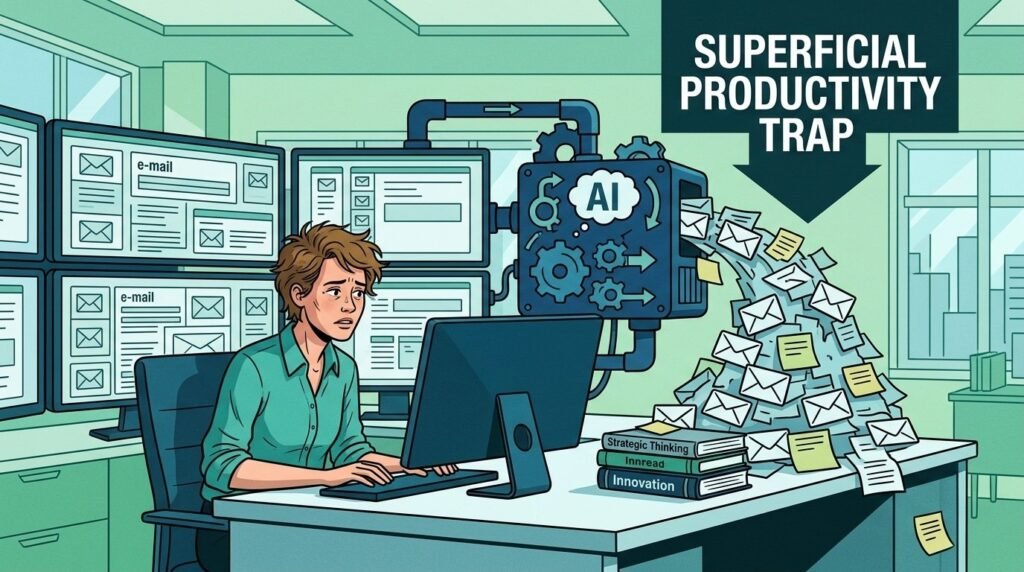
We are living through a profound transformation in the professional world: artificial intelligence is no longer a futuristic promise, but an everyday reality. Yet the observation is often frustrating. Far from lightening our days, the disorganized use of generative tools frequently creates a “productivity intensification paradox.”
By producing more, faster, many professionals find themselves overwhelmed by a multiplied flow of information and tasks.
To avoid digital burnout, it is imperative to make a mental shift: AI should no longer be seen as a simple occasional assistant, but as an operational right hand capable of taking over pure execution. Here’s how to move from a logic of “doing more” to a dynamic of “managing better.”
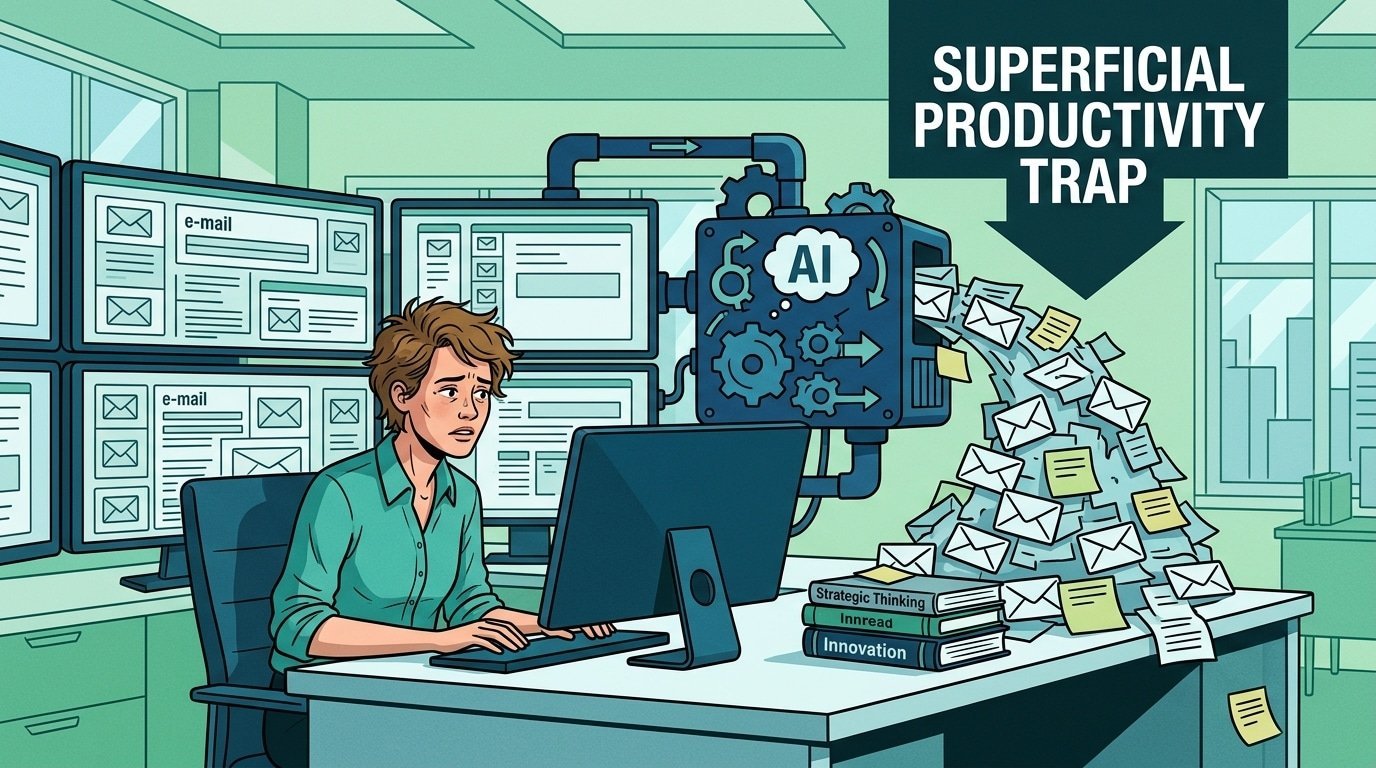
The trap of superficial productivity: Why you’re going the wrong way
Most users approach AI from the angle of micro-productivity: summarizing an email here, drafting a LinkedIn post there. These marginal gains are real, but they are not enough to sustainably transform your daily routine.
If you use AI to handle 50 emails instead of 20, you have not become more productive: you have simply become more “efficient” at a low-value task. The true growth lever lies in removing technical execution from your schedule.
The goal is not to work faster, but to stop doing certain tasks while keeping full control over the outcome.
The “conductor” method: Segment to delegate
To regain control, segment your professional activities into two distinct categories:
- Technical execution: Repetitive tasks, data processing, basic structuring, document research. This is where AI excels.
- Strategic decision-making: Critical analysis, contextual synthesis, human relationships, long-term vision. This is where your added value lies.
Automate Preparation and Synthesis
Time loss is not only in the action itself, but in the transition between tasks.
Automating preparation is your first major productivity gain:
- Transcriptions and meeting notes: Use tools like Otter.ai or the built-in features of your collaborative suites. Stop taking notes during meetings; ask AI to extract the “next steps” and blocking points.
- Pre-analysis: Before opening a complex file, load the document into an LLM (via a custom GPT or Claude) and ask it to immediately identify the stakes, risks, and gaps.
Generative AI as a Lever for Operational Time Savings
AI should act as an automated production engine for your recurring workflows:
- Document structuring: Never start from a blank page. Use AI to generate the outline and framework of a report. Your work then consists of “filling in the gaps” with your expertise, rather than building the structure from scratch.
- Strategic monitoring: Stop checking your news feeds manually. Set up agents (via tools like Zapier or Make) that condense the important information in your industry into a personalized weekly report.
- Data processing: For Excel or CSV analyses, delegate cleaning and formatting to AI. It can identify anomalies that the human eye might miss in seconds.

Overcoming the fear of replacement through skill growth
The fear of being replaced by AI reflects an analytical error: it is not professionals who will be replaced, but operating methods based on pure execution.
By delegating the “doing” to the machine, you develop skills as a curator, verifier (fact-checking), and systems architect.
Your competitive advantage in the job market — including in Europe where companies are seeking strong digital agility — lies in your ability to orchestrate these tools to produce higher-quality results in record time.
3 Steps to Transform Your Productivity Starting Tomorrow
Don’t try to automate everything at once.
Apply this gradual method:
- Audit your schedule: Over the last five days, list the three tasks that cost you the most time and required no specific expertise (formatting, simple synthesis, document research).
- Test an automation workflow: Choose one of these tasks and a dedicated tool (GPTs, workflow tools). The goal is to achieve 80% of the expected result without manual intervention.
- Reinvest that time: The freed-up block must not be consumed by other “execution” tasks. It must be set aside for strategic thinking, client strategy, or developing new high-value projects.

FAQ: Frequently Asked Questions About Using AI at Work
Is it safe to delegate confidential documents to AI?
It is crucial to use “Enterprise” versions of ChatGPT or Claude, which guarantee that your data is not used to train public models. Confidentiality must remain your top priority when choosing tools.
Should everything produced by AI be checked?
Yes. AI is a powerful assistant but it has no moral judgment. Your role as supervisor is essential to validate factual accuracy, tone, and alignment with your company’s strategy.
Which tool should you start with for automation?
If you are new to automation, start with “no-code” automation apps like Zapier or Make. They let you connect your email tools, calendars, and project management apps together without any programming knowledge.